Essential Guide to Buying Second-Hand Electronics in Dubai
Dubai's thriving second-hand electronics market offers incredible opportunities for savvy shoppers looking to save money while acquiring quality devices. Whether you're searching through online classifieds or meeting sellers in person, understanding how to verify authenticity, assess condition, and negotiate fairly can make the difference between a great deal and a costly mistake.
Understanding Device Condition and Authenticity
Before committing to any purchase, thorough verification of the device's condition and authenticity is paramount. The UAE market, while generally reliable, requires buyers to exercise due diligence when purchasing through online classifieds platforms.
Start by requesting detailed photographs from multiple angles, including close-ups of any scratches, dents, or wear marks. Authentic sellers will readily provide these images. For smartphones, ask for screenshots showing the device's IMEI number, storage capacity, and iOS or Android version. Cross-reference the IMEI with online databases to ensure the device hasn't been reported stolen or blacklisted.
Pro Tip:Always verify the IMEI number through official channels before meeting the seller. This simple step can save you from purchasing a stolen or blocked device.
For laptops and computers, request information about the processor model, RAM capacity, storage type (SSD or HDD), and graphics card specifications. Ask the seller to run diagnostic software and share screenshots of system information. Legitimate sellers understand these requests and will cooperate without hesitation.
Pay special attention to original packaging, accessories, and purchase receipts. While not always available for second-hand items, their presence significantly increases confidence in the device's authenticity and history. Original chargers, cables, and boxes suggest the seller has maintained the device carefully.

Comprehensive Testing Procedures for Smartphones
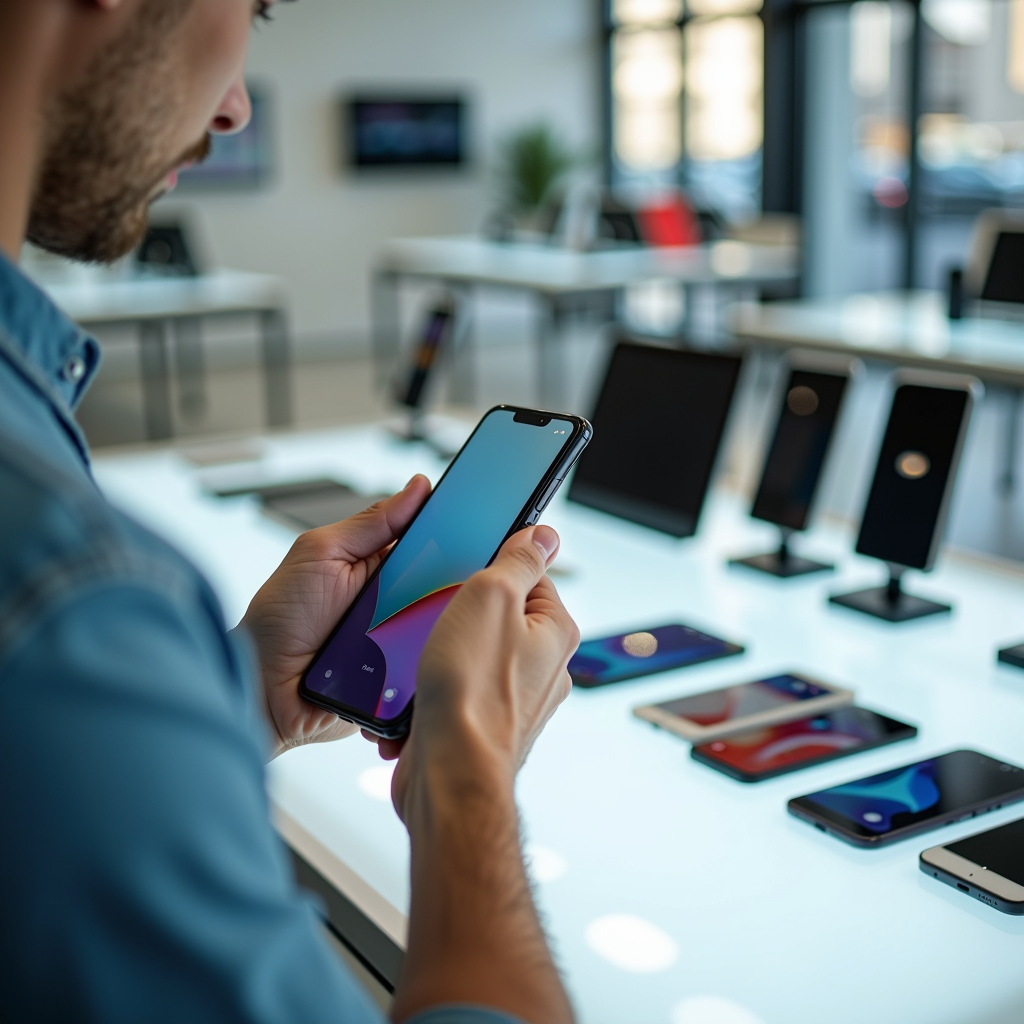
When meeting to inspect a smartphone, allocate at least 20-30 minutes for thorough testing. This investment of time can prevent expensive mistakes and ensure you're getting a fully functional device.
Begin with the display. Check for dead pixels by displaying solid color backgrounds (white, black, red, green, blue). Examine the screen for cracks, scratches, or discoloration. Test touch sensitivity across all areas of the screen, including corners and edges. Verify that the brightness adjustment works smoothly and that auto-brightness responds appropriately.
Camera and Audio Testing
Test both front and rear cameras by taking multiple photos in different lighting conditions. Check for focus issues, lens scratches, or sensor problems. Record video to verify stabilization features and audio recording quality. Test the flash and ensure it functions correctly.
For audio, play music through the speakers at various volume levels, checking for distortion or crackling. Test the headphone jack (if present) with your own headphones. Make a test call to verify the microphone, earpiece, and loudspeaker all function properly. Don't forget to test Bluetooth connectivity by pairing with a device you bring along.
Battery Health and Charging
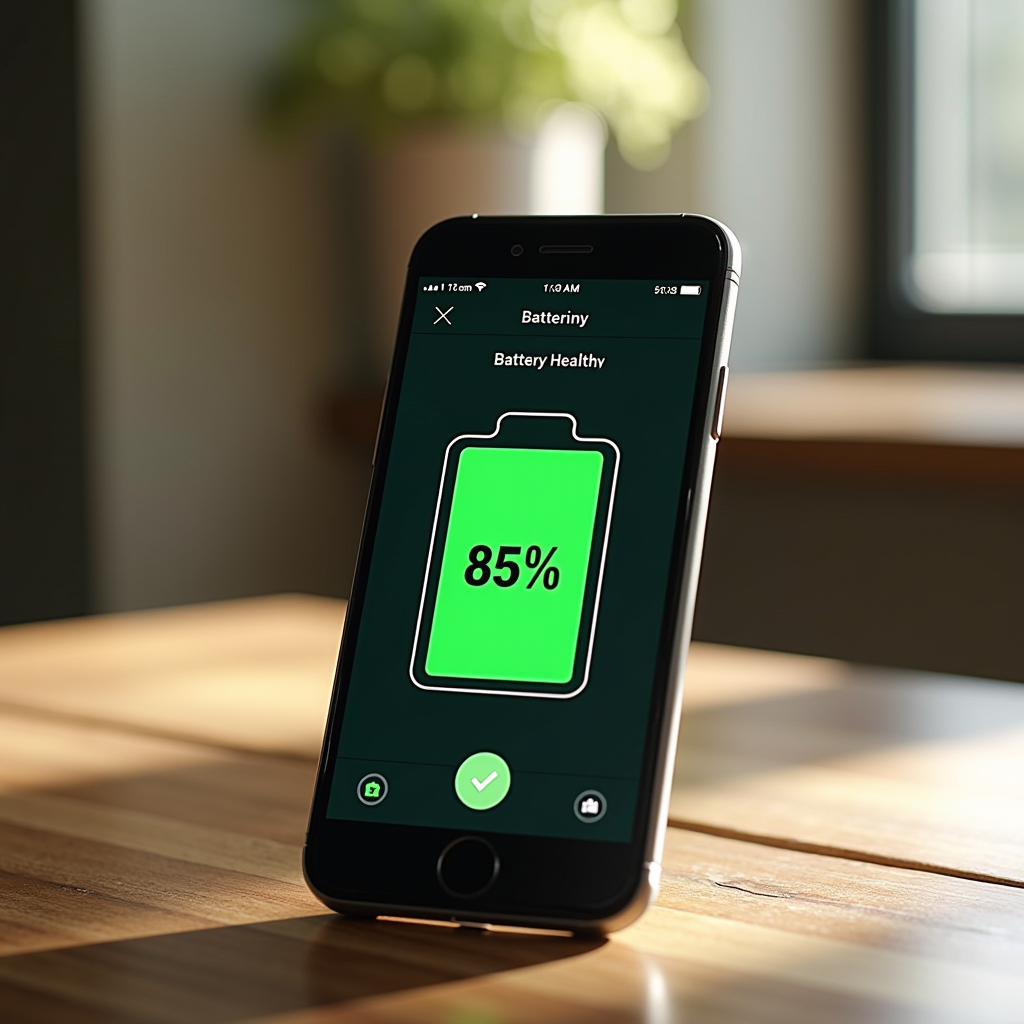
Battery health is crucial for smartphones. For iPhones, navigate to Settings > Battery > Battery Health to check the maximum capacity percentage. Anything above 80% is generally acceptable for a used device. For Android devices, use apps like AccuBattery or check the built-in battery health feature if available.
Test the charging port by plugging in a cable and ensuring it connects firmly without wobbling. Verify that charging begins immediately and that the device recognizes the charger. If the phone supports wireless charging, test this feature as well.
Laptop and Computer Inspection Checklist
Laptops require even more detailed inspection due to their complexity and higher price points. Bring a USB drive with diagnostic software and test files to conduct comprehensive checks.
Start with the physical condition. Examine the chassis for cracks, dents, or signs of liquid damage. Check all hinges for smooth operation without excessive looseness or stiffness. Inspect the keyboard for worn keys, missing keycaps, or sticky buttons. Test every key to ensure proper function. Verify that the trackpad responds accurately to gestures and clicks.
Display and Performance Testing
Run the laptop through various display tests. Check for dead pixels, backlight bleeding, and color accuracy. Test the brightness range and verify that the display adjusts smoothly. If the laptop has a touchscreen, test all touch functionality thoroughly.
Open the system information panel to verify the specifications match the seller's description. Check the processor model, RAM amount, storage capacity, and graphics card. Run a stress test if possible to ensure the system doesn't overheat or throttle performance under load. Listen for unusual fan noise or grinding sounds from the hard drive.
Connectivity and Ports
Test every port on the laptop. Plug in USB devices to verify all USB ports function correctly. Test HDMI or DisplayPort connections if possible. Check the SD card reader, headphone jack, and any other ports. Verify that Wi-Fi connects properly and maintains a stable connection. Test Bluetooth by pairing a device.
For the battery, check the cycle count and current health status. Most laptops provide this information through system utilities or third-party software. A battery with fewer than 300 cycles typically retains good capacity. Test the battery by unplugging the laptop and using it for 15-20 minutes to ensure it holds a charge.

Safe Meeting Locations Across Dubai
Personal safety should always be your top priority when meeting sellers from online classifieds. Dubai offers numerous secure public locations ideal for conducting electronics transactions.
Shopping malls represent the best option for safe meetings. Dubai Mall, Mall of the Emirates, and City Centre Deira all provide well-lit, heavily monitored environments with security personnel present. The food courts in these malls offer comfortable seating, power outlets for testing devices, and the presence of many other people. These locations also typically have strong Wi-Fi connections, allowing you to test internet connectivity on devices.
Alternative Safe Meeting Spots
Coffee shops in busy areas like Dubai Marina, JBR, or Downtown Dubai provide excellent alternatives. Establishments like Starbucks, Costa Coffee, or local cafes offer comfortable environments with good lighting and public visibility. Many have outdoor seating areas that provide additional security through increased foot traffic.
Metro stations, particularly major hubs like Burjuman, Union, or Dubai Marina, offer another secure option. These locations have constant security presence, CCTV coverage, and high foot traffic. The waiting areas near ticket offices provide suitable spaces for device testing.
Safety First:Never meet at private residences, isolated parking lots, or unfamiliar areas. Always inform a friend or family member about your meeting location and expected return time.
Bank branches during business hours offer maximum security for high-value transactions. Many banks in Dubai have comfortable waiting areas where you can conduct the transaction safely. This option is particularly recommended for expensive laptops or multiple device purchases.
Fair Price Negotiation Strategies
Successful negotiation in Dubai's second-hand electronics market requires research, respect, and realistic expectations. Understanding market values and approaching negotiations professionally leads to better outcomes for both parties.
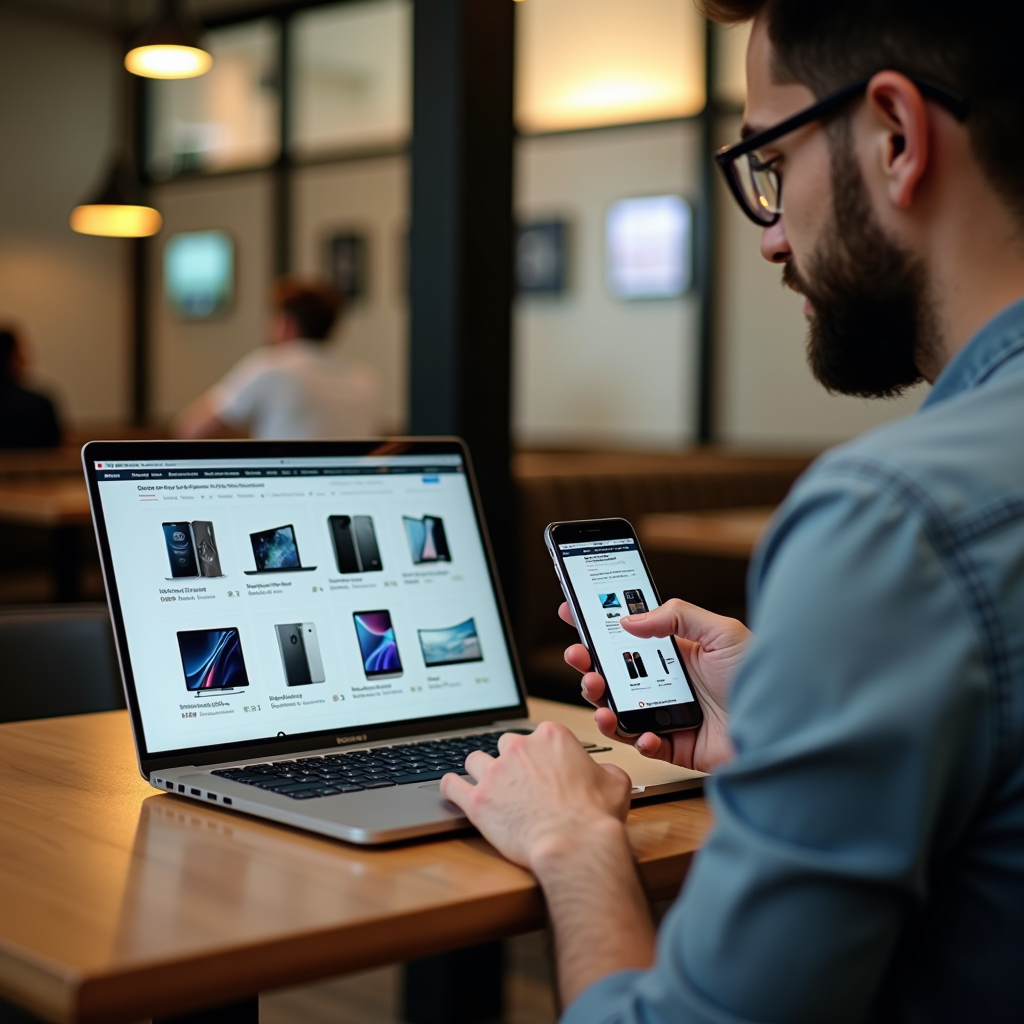
Before contacting sellers, research current market prices for the specific model you're interested in. Check multiple online classifieds listings to understand the typical price range. Consider factors like age, condition, warranty status, and included accessories when evaluating prices. New device prices from authorized retailers provide an upper benchmark for your negotiations.
Opening the Negotiation
When initiating contact, be polite and professional. Express genuine interest in the device and ask relevant questions about its condition and history. Avoid immediately offering a low price, as this can offend sellers and close negotiation opportunities.
After inspecting the device in person, if you identify any issues not mentioned in the listing, politely point these out. Use these observations as justification for a lower offer rather than simply demanding a discount. For example, "I notice the battery health is at 78%, which is lower than I expected. Would you consider AED 1,800 instead of AED 2,000?"
Make reasonable offers based on the device's actual condition and market value. A good rule of thumb is to offer 10-15% below the asking price for devices in good condition, or 20-25% below for devices with minor issues. Extremely low offers waste everyone's time and damage your credibility as a serious buyer.
Closing the Deal
If the seller accepts your offer or makes a counteroffer you find acceptable, be prepared to complete the transaction immediately. Bring the exact amount in cash or be ready to transfer funds electronically. Hesitation after agreeing on a price can cause sellers to reconsider or entertain other offers.
Request a simple handwritten receipt that includes the date, device details (model, IMEI/serial number), agreed price, and both parties' signatures. While not legally required for private sales, this documentation provides protection for both buyer and seller.
Recognizing and Avoiding Common Scams
While Dubai's second-hand market is generally trustworthy, awareness of common scams helps protect your investment and personal safety. Understanding red flags enables you to avoid problematic transactions before they occur.
The "too good to be true" pricing scam remains the most prevalent. If a device is priced significantly below market value without clear justification, proceed with extreme caution. Scammers use unrealistically low prices to attract victims quickly before they can research proper values. Always question why a seller would accept substantially less than market rate.
Payment and Shipping Scams
Never send payment before inspecting the device in person. Scammers often claim to be traveling or living in another emirate, requesting advance payment with promises to ship the device. Legitimate sellers understand the need for in-person inspection and won't pressure you to pay remotely.
Be wary of sellers who insist on unusual payment methods or refuse cash transactions. While bank transfers are common and acceptable, requests for payment through gift cards, cryptocurrency, or international wire transfers should raise immediate red flags.
Device Switching and Counterfeit Products
The "bait and switch" scam involves showing you a genuine device during inspection but swapping it for a counterfeit or damaged unit during the transaction. Always verify the device's serial number or IMEI matches what you inspected before handing over payment. Keep the device in your sight throughout the entire transaction.
Counterfeit devices, particularly smartphones, have become increasingly sophisticated. Verify authenticity by checking the device's serial number on the manufacturer's website. For iPhones, use Apple's official coverage checker. For Samsung devices, use the Samsung Members app to verify authenticity. Physical signs like poor build quality, misspelled logos, or unusual packaging indicate counterfeits.
Warning:If a seller becomes aggressive, refuses to answer basic questions, or pressures you to complete the transaction quickly, walk away immediately. Your safety and financial security are more important than any deal.
Stolen Device Indicators
Purchasing stolen electronics is illegal and can result in device confiscation and legal consequences. Red flags include sellers who can't provide purchase receipts, devices with activation locks still enabled, or sellers who seem nervous or evasive about the device's history.
For smartphones, check the IMEI against international blacklist databases before purchasing. For laptops, ask to see the original purchase invoice or warranty documentation. Legitimate sellers who purchased devices new will typically have this documentation, even if it's several years old.
Warranty Considerations and After-Purchase Protection
Understanding warranty implications for second-hand electronics helps set realistic expectations and can influence your purchasing decisions. While most manufacturer warranties don't transfer to second owners, some options for protection exist.
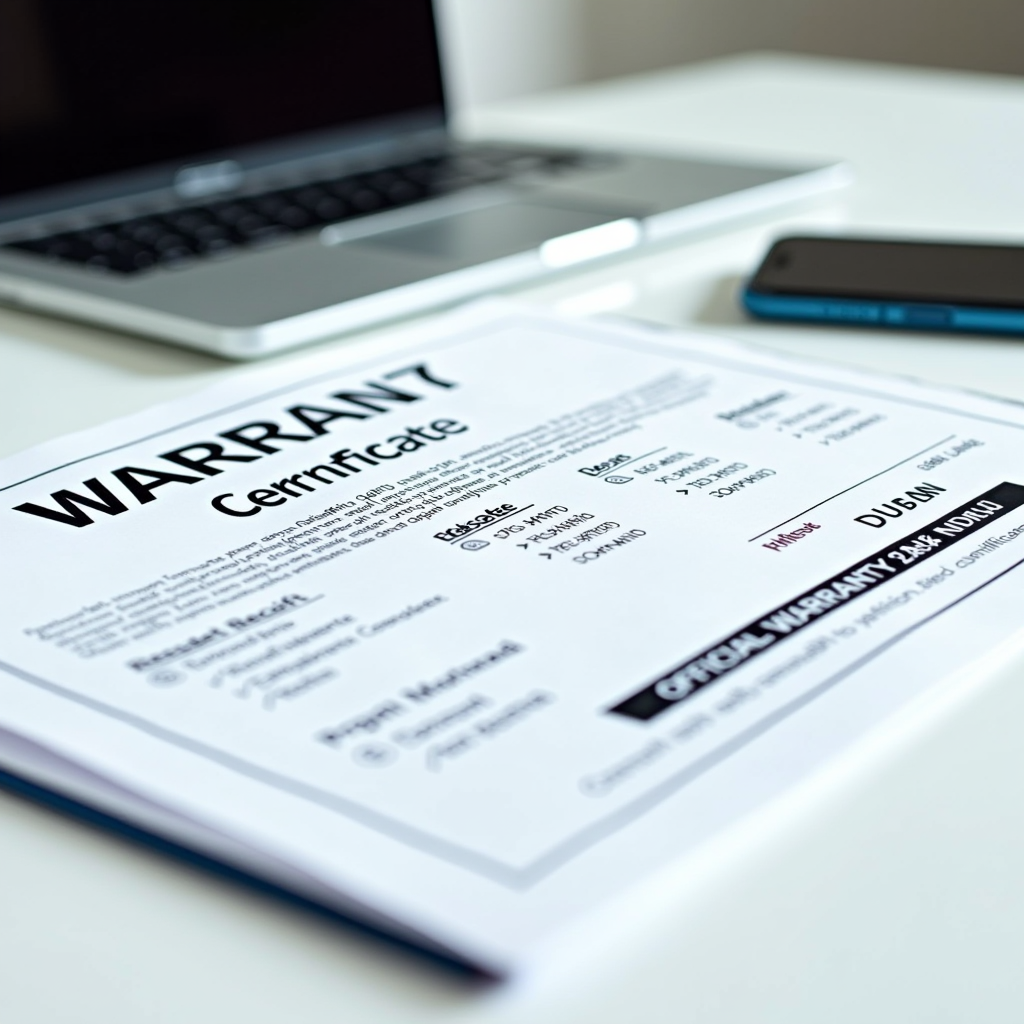
Manufacturer warranties typically remain with the original purchaser and require proof of purchase from an authorized retailer. However, some manufacturers, particularly Apple, offer limited warranty coverage based on the device's manufacturing date rather than purchase date. Check the warranty status using the device's serial number on the manufacturer's website before completing your purchase.
Extended Warranty Options
Several third-party warranty providers in Dubai offer coverage for second-hand electronics. Companies like Mulk and Onsitego provide extended warranty plans that cover repairs and replacements for used devices. While these warranties add to your initial cost, they provide peace of mind, especially for expensive laptops or high-end smartphones.
Before purchasing third-party warranty coverage, carefully review what's included and excluded. Pay attention to deductibles, coverage limits, and claim procedures. Some warranties exclude water damage, accidental drops, or cosmetic issues. Compare the warranty cost against the device's value to determine if coverage makes financial sense.
Seller Guarantees
Some private sellers offer short-term guarantees, typically 24-48 hours, allowing you to return the device if you discover issues not disclosed during inspection. While not legally binding, these informal agreements demonstrate seller confidence in their product. Request this guarantee in writing, even if it's just a text message, to have documentation if problems arise.
When buying from established second-hand electronics shops rather than private sellers, inquire about their return policy and warranty offerings. Many shops provide 7-30 day warranties on used devices, offering more protection than private sales. While prices may be slightly higher than private sellers, the added security can justify the premium.
Post-Purchase Steps and Device Setup
After successfully purchasing your second-hand device, taking proper post-purchase steps ensures optimal performance and security. These actions protect your personal information and maximize your device's lifespan.
Immediately perform a factory reset on smartphones and tablets. This removes all previous owner data and ensures you start with a clean slate. For iPhones, verify that Find My iPhone has been disabled by the previous owner before resetting. For Android devices, ensure the device isn't locked to the previous owner's Google account, as this will prevent you from setting up the device after reset.
Laptop and Computer Preparation
For laptops, perform a clean operating system installation rather than simply creating a new user account. This ensures no hidden malware or tracking software remains from the previous owner. Back up any drivers you might need before reinstalling, particularly for less common hardware components.
Update all software and firmware to the latest versions immediately after setup. This includes the operating system, security patches, and any built-in applications. Updated software provides better security and performance while fixing known bugs and vulnerabilities.
Protection and Maintenance
Invest in quality protective accessories immediately. Screen protectors and cases for smartphones prevent damage that could significantly reduce resale value if you decide to upgrade later. For laptops, consider a protective sleeve or case for transportation and a keyboard cover to prevent dust and spill damage.
Register your device with the manufacturer if possible, even as a second owner. While this may not activate warranty coverage, it can help with device recovery if stolen and provides access to manufacturer support resources. Keep all documentation, including your purchase receipt and any correspondence with the seller, in a safe place.
Maintenance Tip:Set up regular backup schedules immediately. Whether using cloud services or external drives, consistent backups protect your data and make future device transitions smoother.
Final Thoughts on Second-Hand Electronics Shopping
Purchasing second-hand electronics in Dubai through online classifieds platforms offers excellent value when approached with knowledge and caution. The combination of thorough device inspection, safe meeting practices, fair negotiation, and scam awareness creates a framework for successful transactions.
Remember that patience pays dividends in the second-hand market. Don't rush into purchases due to perceived urgency or pressure from sellers. Take time to research, compare options, and wait for the right device at the right price. The perfect deal will come along when you're prepared to recognize and act on it.
Building positive relationships with sellers through respectful communication and fair dealing benefits everyone in Dubai's online classifieds community. Honest transactions and reasonable negotiations create a marketplace where both buyers and sellers can achieve their goals while maintaining trust and safety.
By following the guidelines outlined in this comprehensive guide, you'll navigate Dubai's second-hand electronics market with confidence, securing quality devices at fair prices while protecting yourself from common pitfalls and scams. Happy shopping, and may you find the perfect device for your needs!